Core Capabilities
Engineered for Privacy, Real-Time Media & Remote Control
 AES-256-GCM
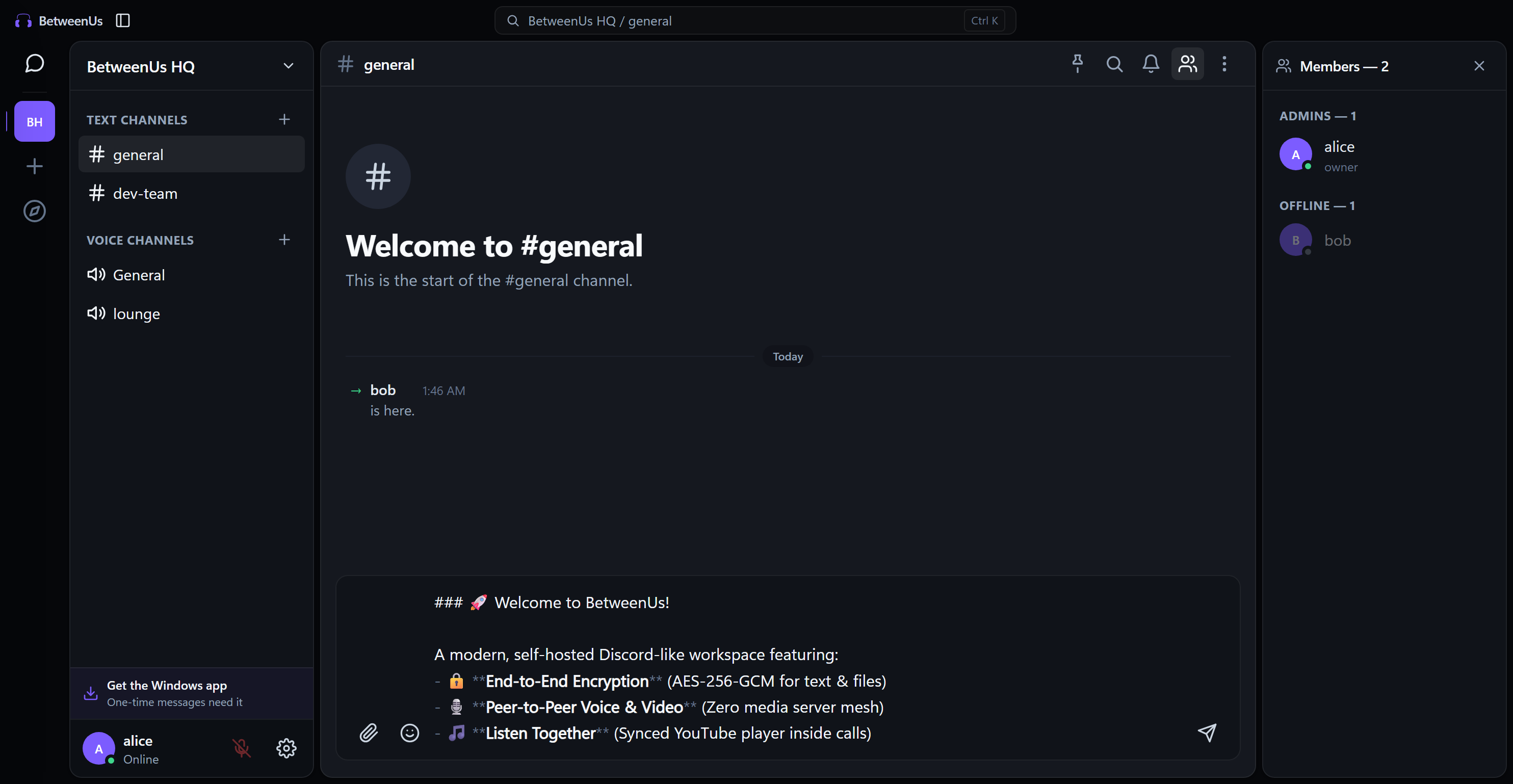
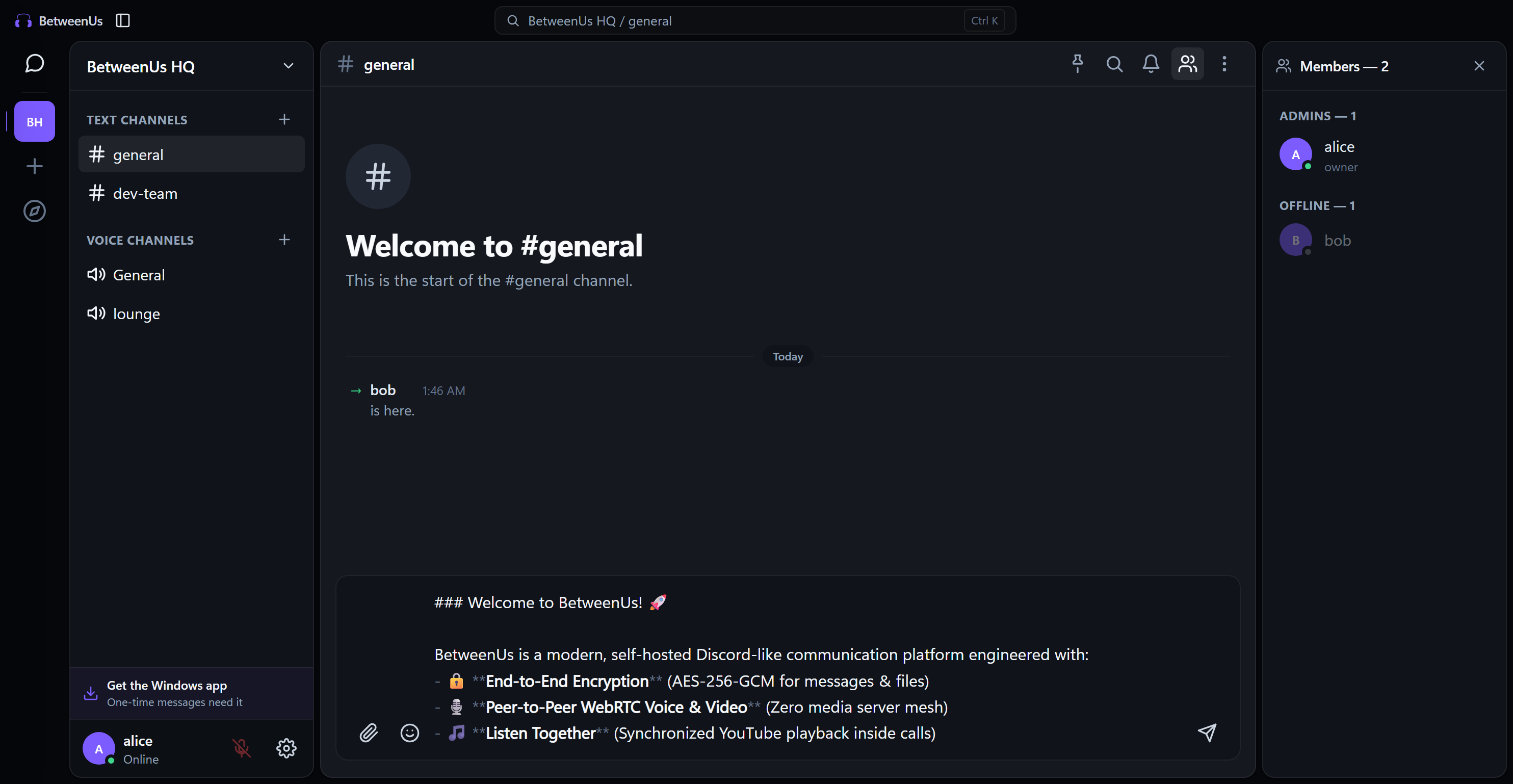
E2EE Chat & Rich Markdown
Zero-knowledge encrypted messaging and file attachments up to 100 MB. Live markdown preview, emoji reactions, threaded replies, and message pinning.
 WebRTC Mesh
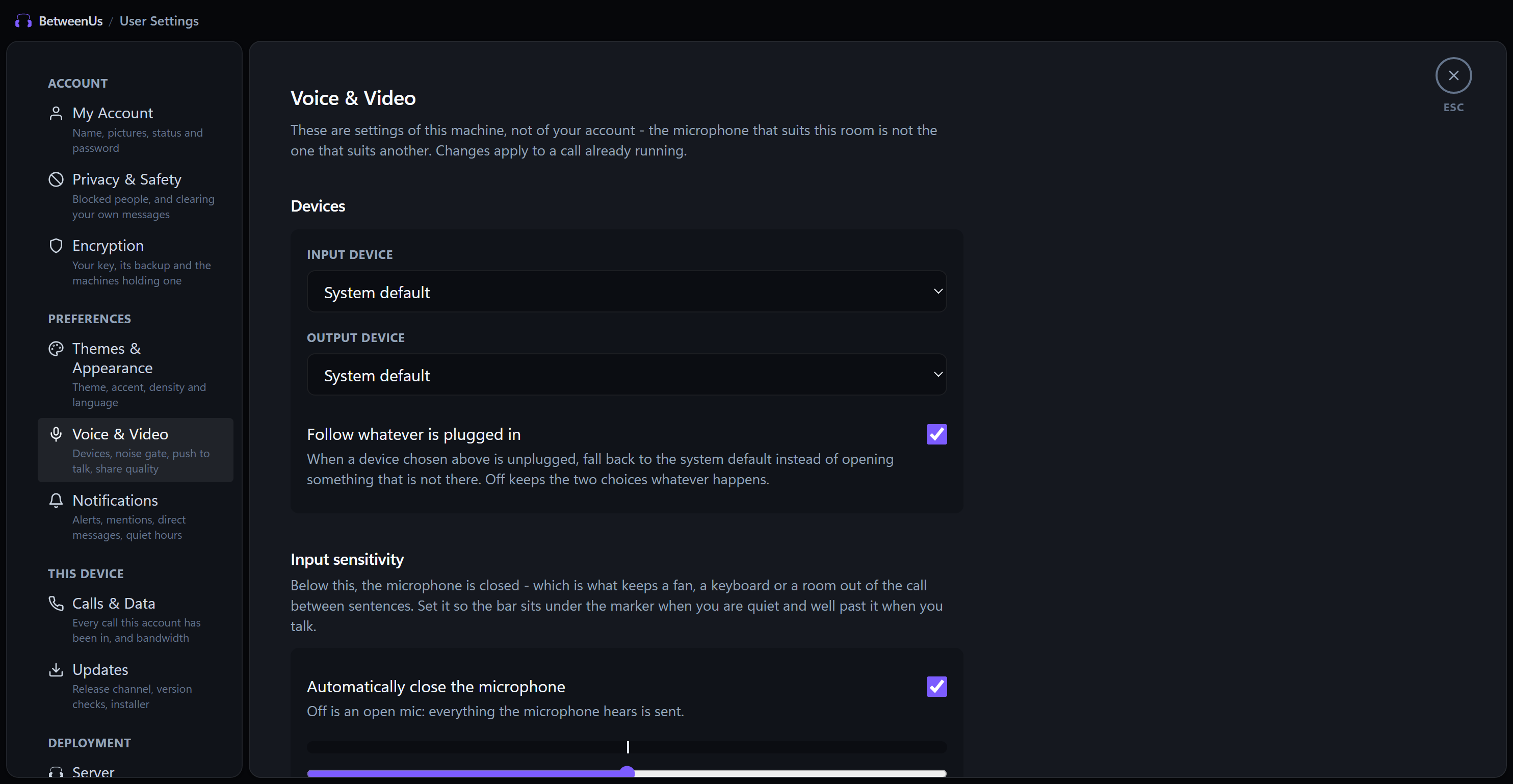
P2P Voice, Video & Screen Sharing
Autonomous mesh calls with zero media server overhead. Includes noise suppression, mic calibration, and low-latency 4K / 60 FPS screen sharing.
 Synchronized Media & Games
Listen & Play Together
Synchronized YouTube player with zero host uplink and dynamic voice ducking, plus 6 multiplayer games including deterministic 2D Carrom physics.
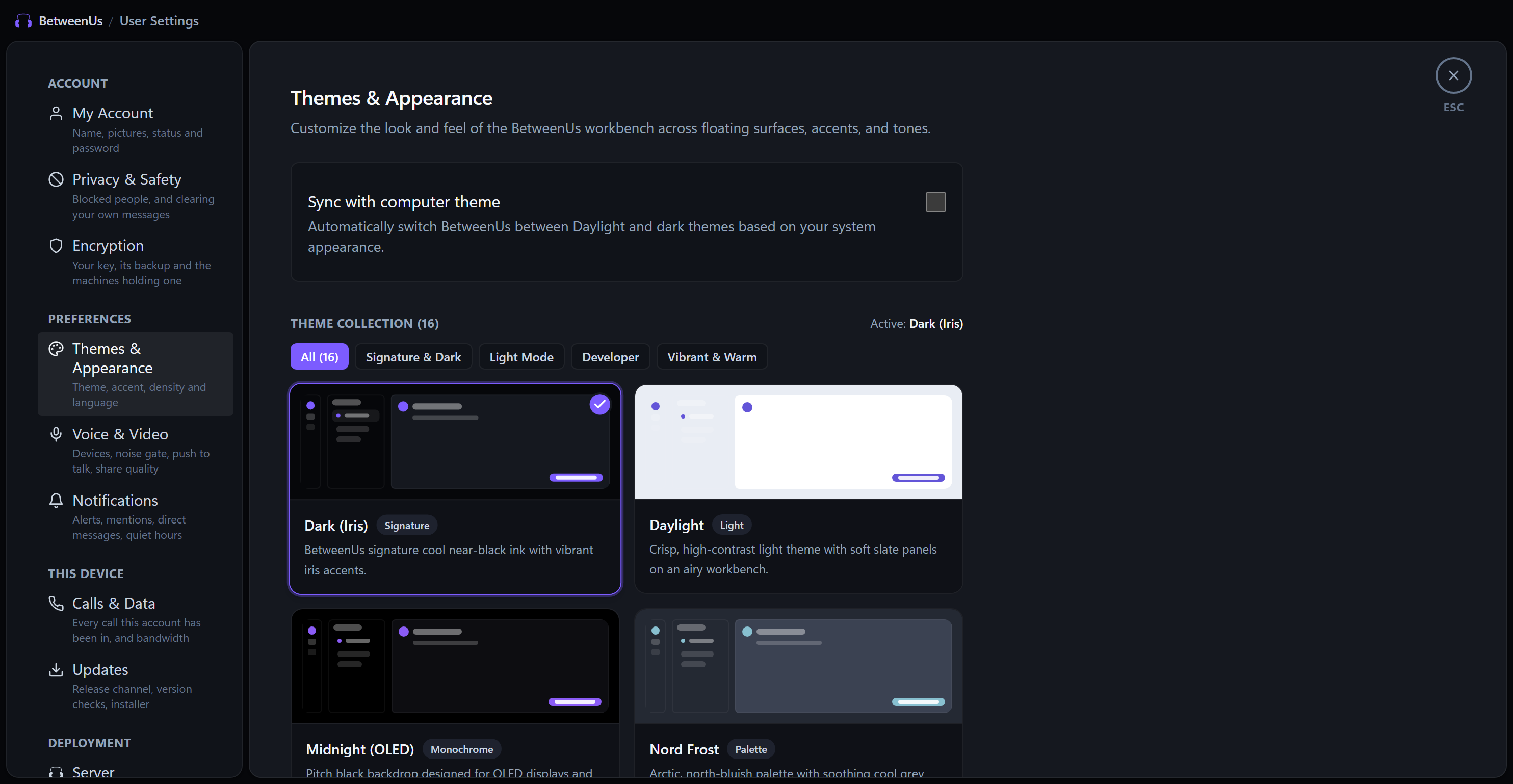 16 Themes + 8 Accents
16-Theme Customization Engine
Dark (Iris), AMOLED Midnight, Nord Frost, Tokyo Night, Catppuccin, Cyberpunk Neon, and Daylight with customizable accent tints and OS synchronization.
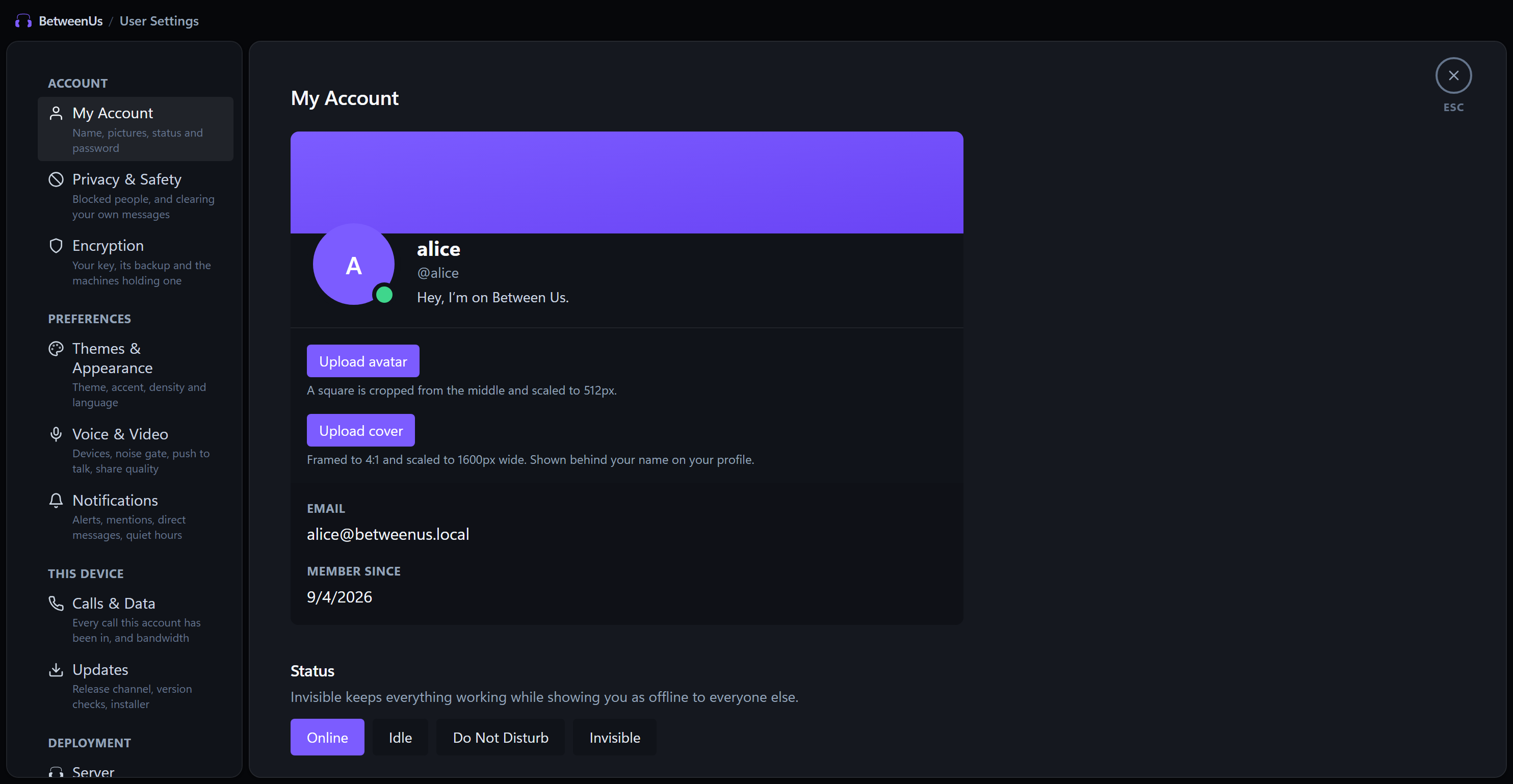 Permissioned Access
Secure Remote Desktop Access
Low-latency remote machine control with multi-monitor streaming, clipboard sync, and granular per-device permission tiers with instant revocation.
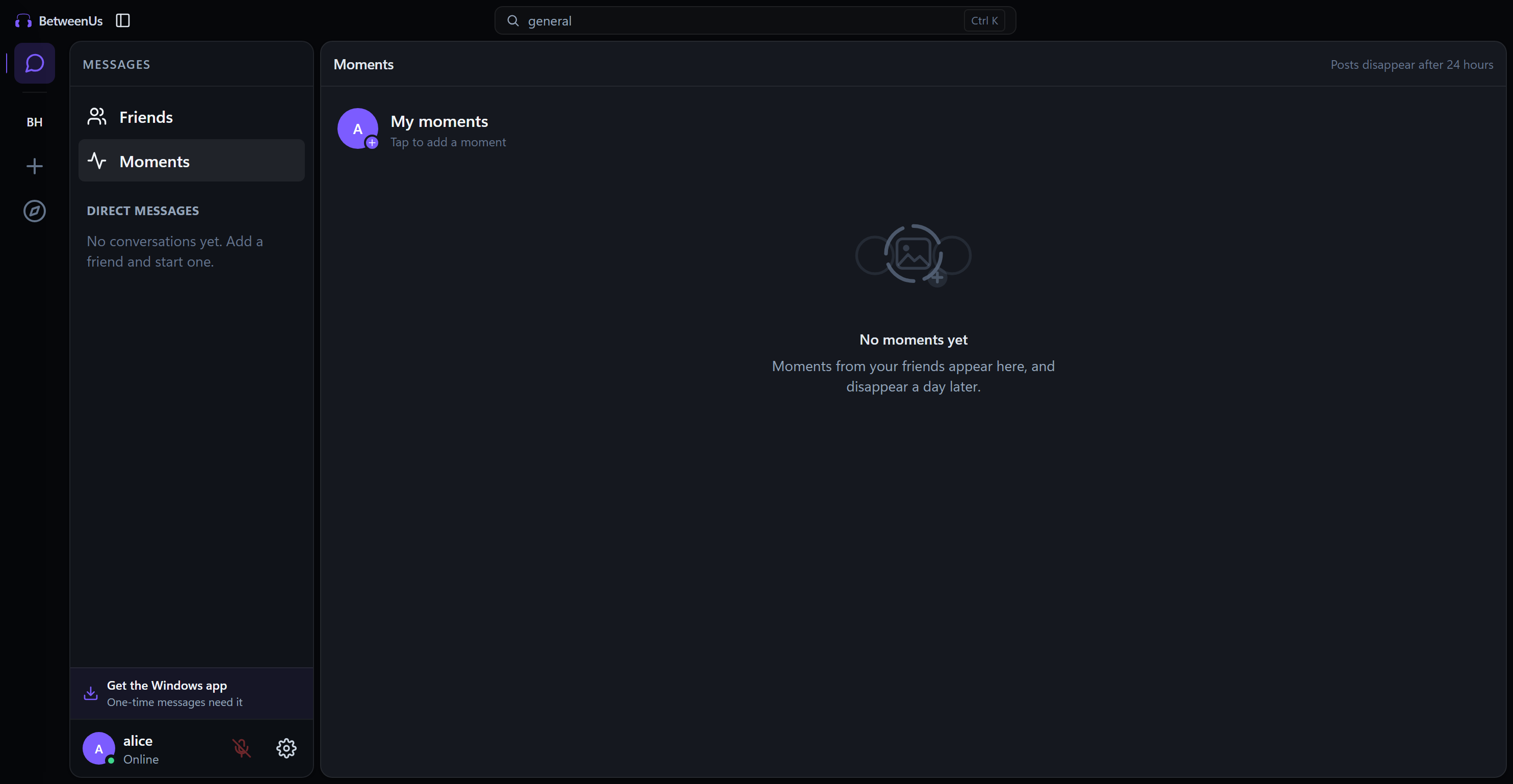 Auto-Purging Stories
24-Hour Ephemeral Moments
Share photos and status updates that automatically disappear after 24 hours. Configurable friends-only privacy boundaries and dedicated moments feed.
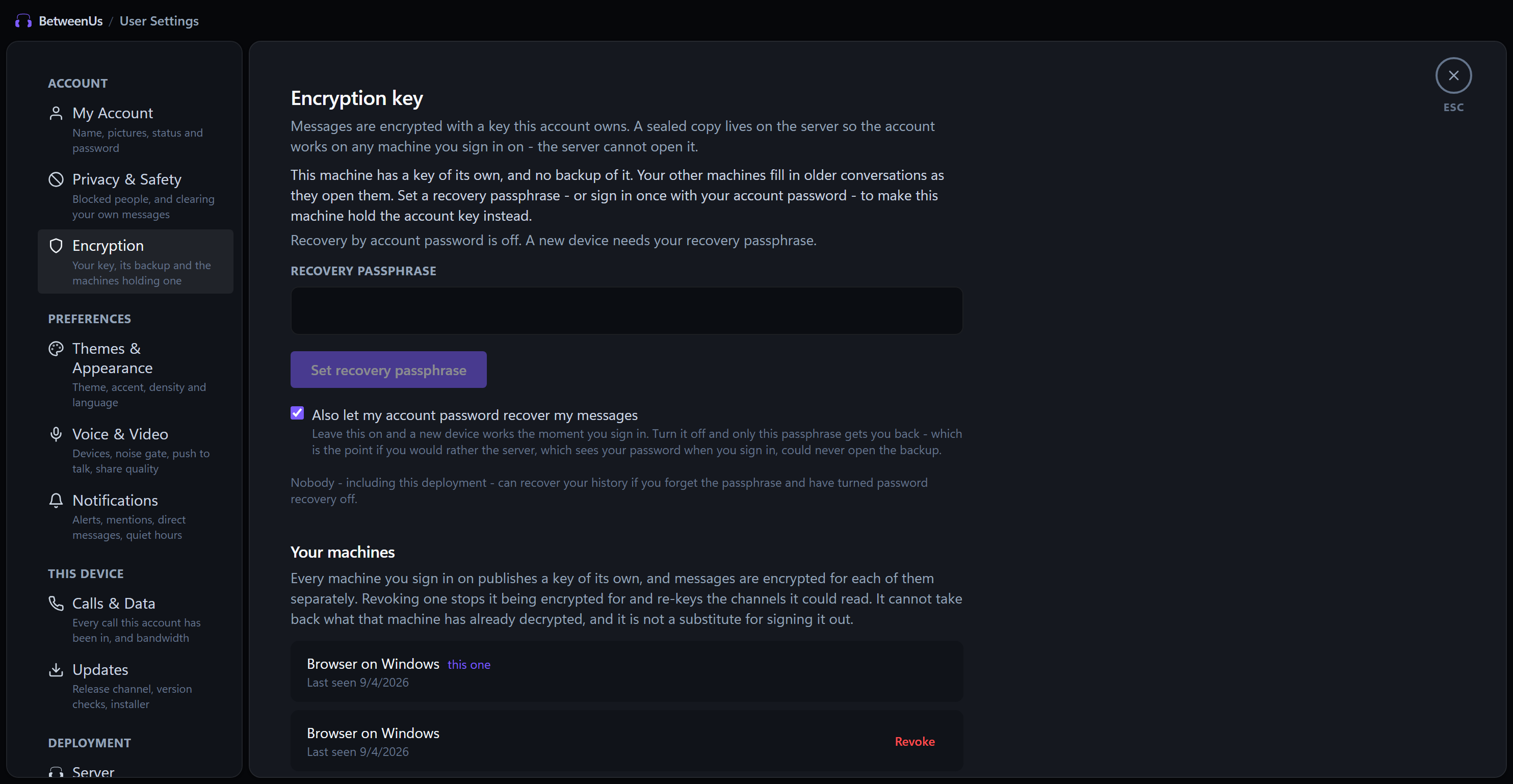 Identity Registry
Security & Zero-Knowledge Backup
Client-generated cryptographic identity keys, encrypted passphrase backups, and active machine directory with one-click device revocation.
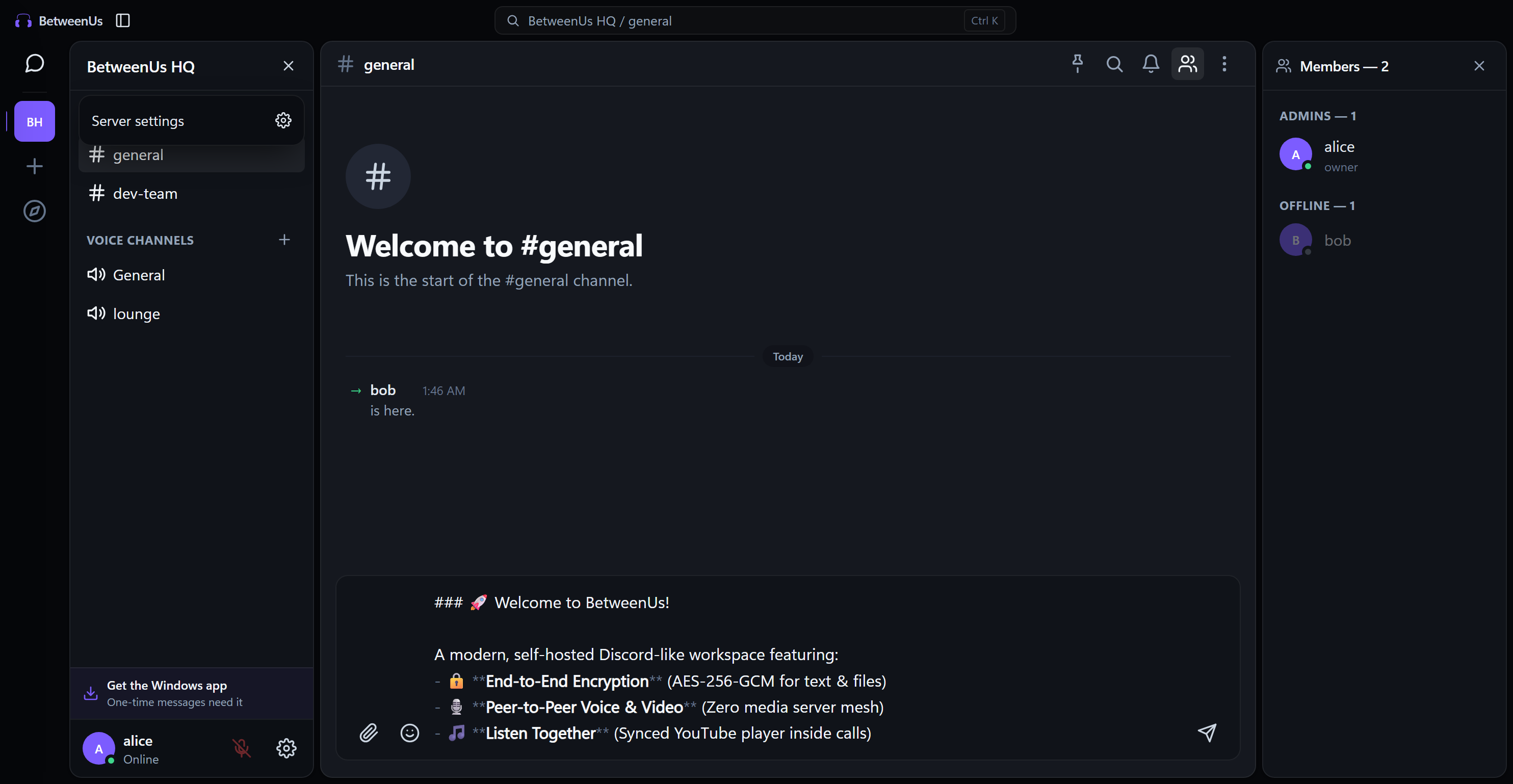 Discord-Grade Roles
Granular Server Governance & RBAC
Hierarchical role management with color pickers, hoisted display groups, channel-level permission overrides, and comprehensive audit logs.
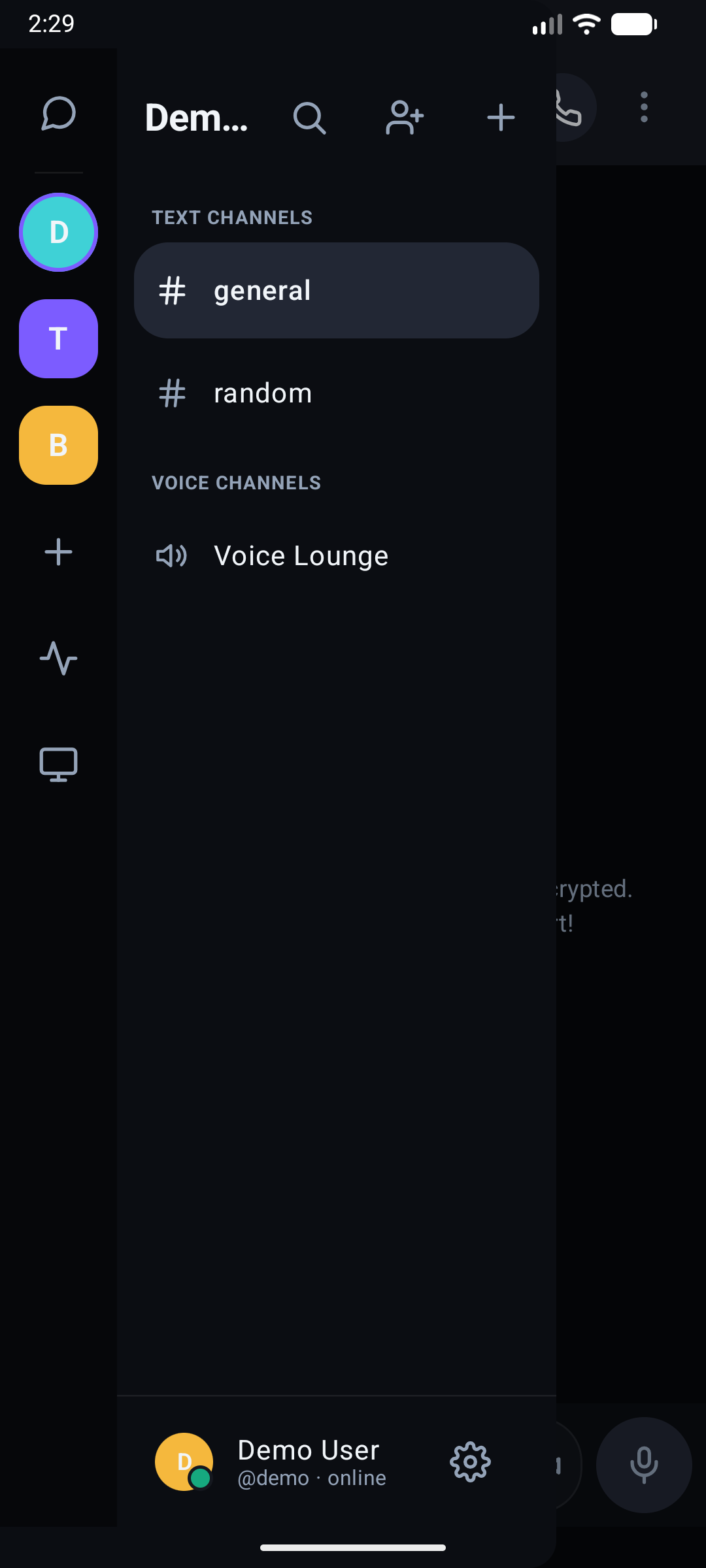 Cross-Platform Parity
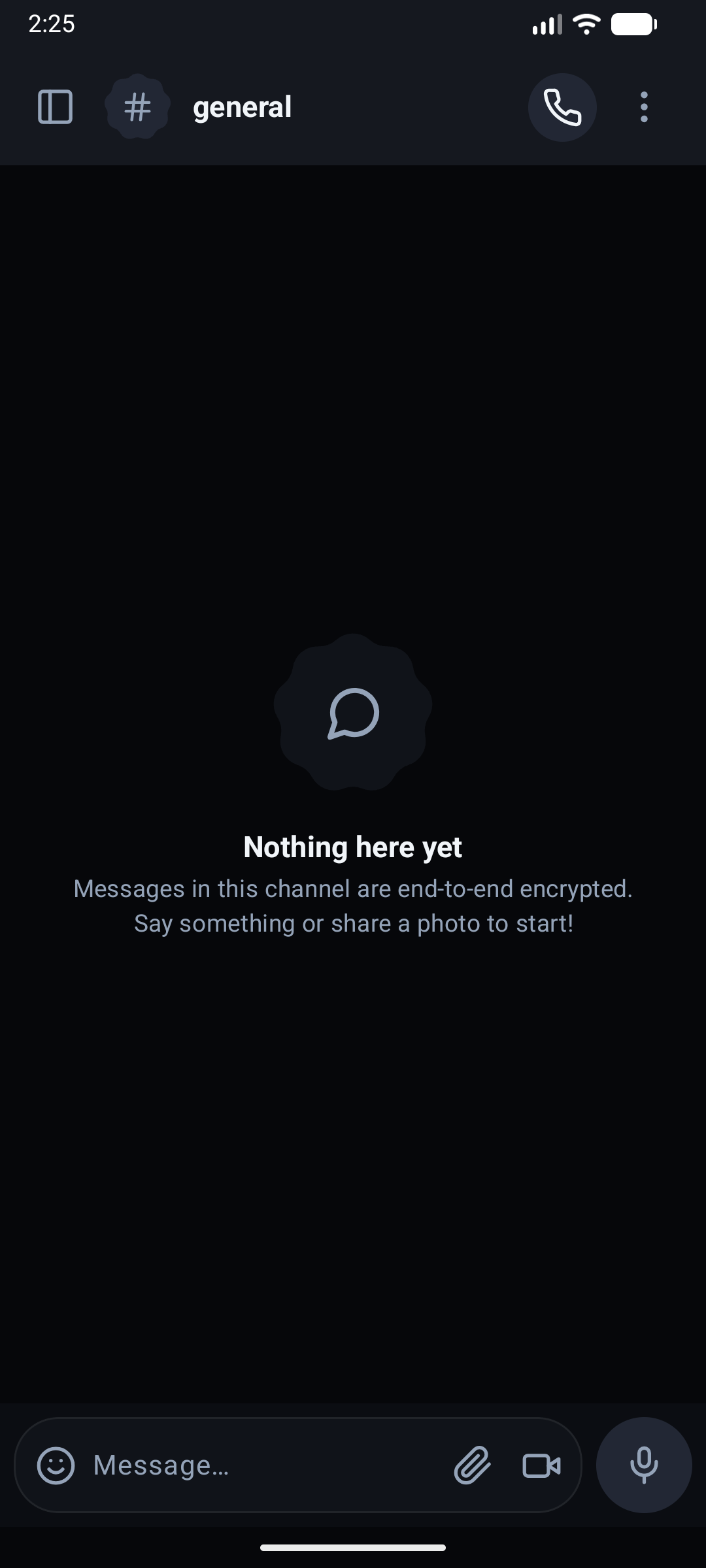
Desktop, Web & Native Android
Cross-platform suite spanning Electron desktop on Windows/macOS/Linux, Web PWA via Vite, and native Kotlin/Jetpack Compose Android client with FCM background push.
Adaptive Appearance & Design Token Engine
BetweenUs features 16 hand-crafted color palettes and 8 accent choices with zero reload delay. Click any theme below to preview the live UI adaptation.
Installation & Setup
Get started with BetweenUs
Download pre-built binaries for Windows, macOS, Linux, or Android APK. Connect directly to any self-hosted BetweenUs deployment.
# Download from https://github.com/aiyu-ayaan/BetweenUs/releases
# Or package locally from source:
pnpm desktop:package# Or build the debug APK with JDK 21:
cd apps/android && ./gradlew assembleDebugArchitecture, database schema, and every service's API
Generated and maintained against the actual source — where a page and the code disagree, the code is right.