Core Capabilities
Engineered for Hardware Control, Low Latency & Local Privacy
 VESA MCCS & WMI
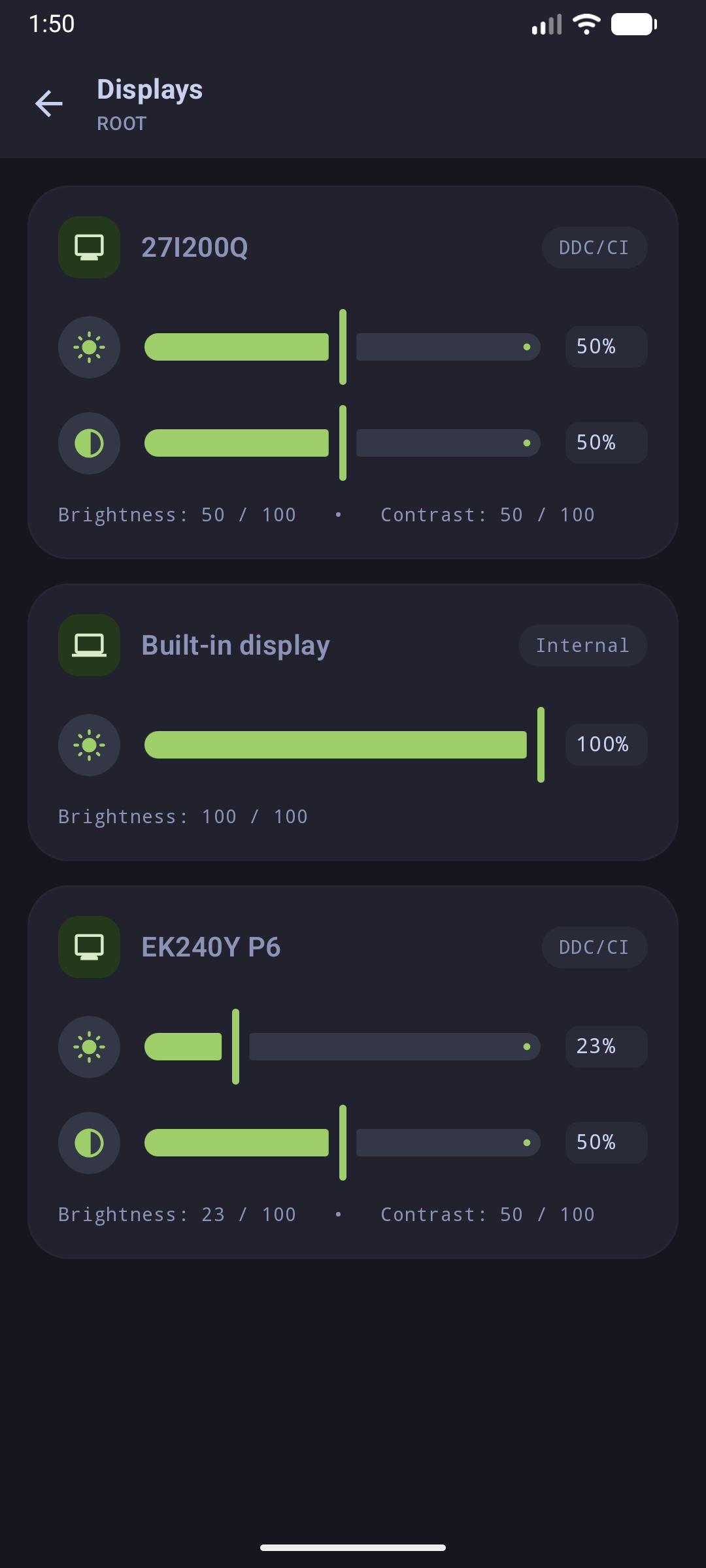
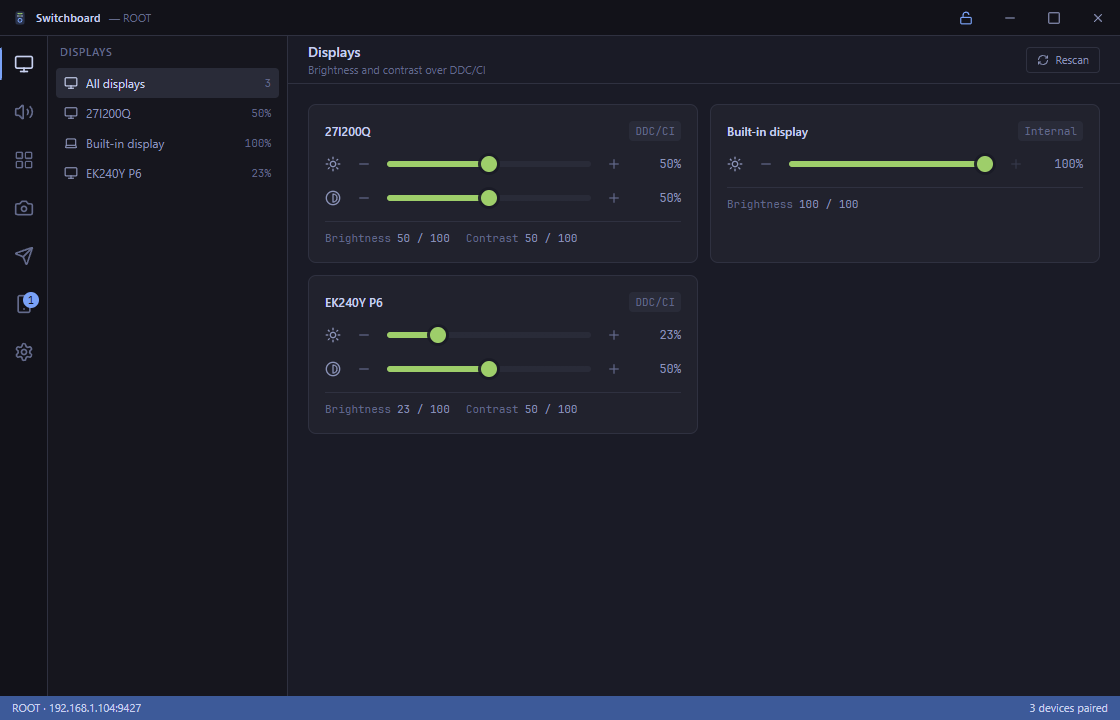
Hardware Displays & DDC/CI
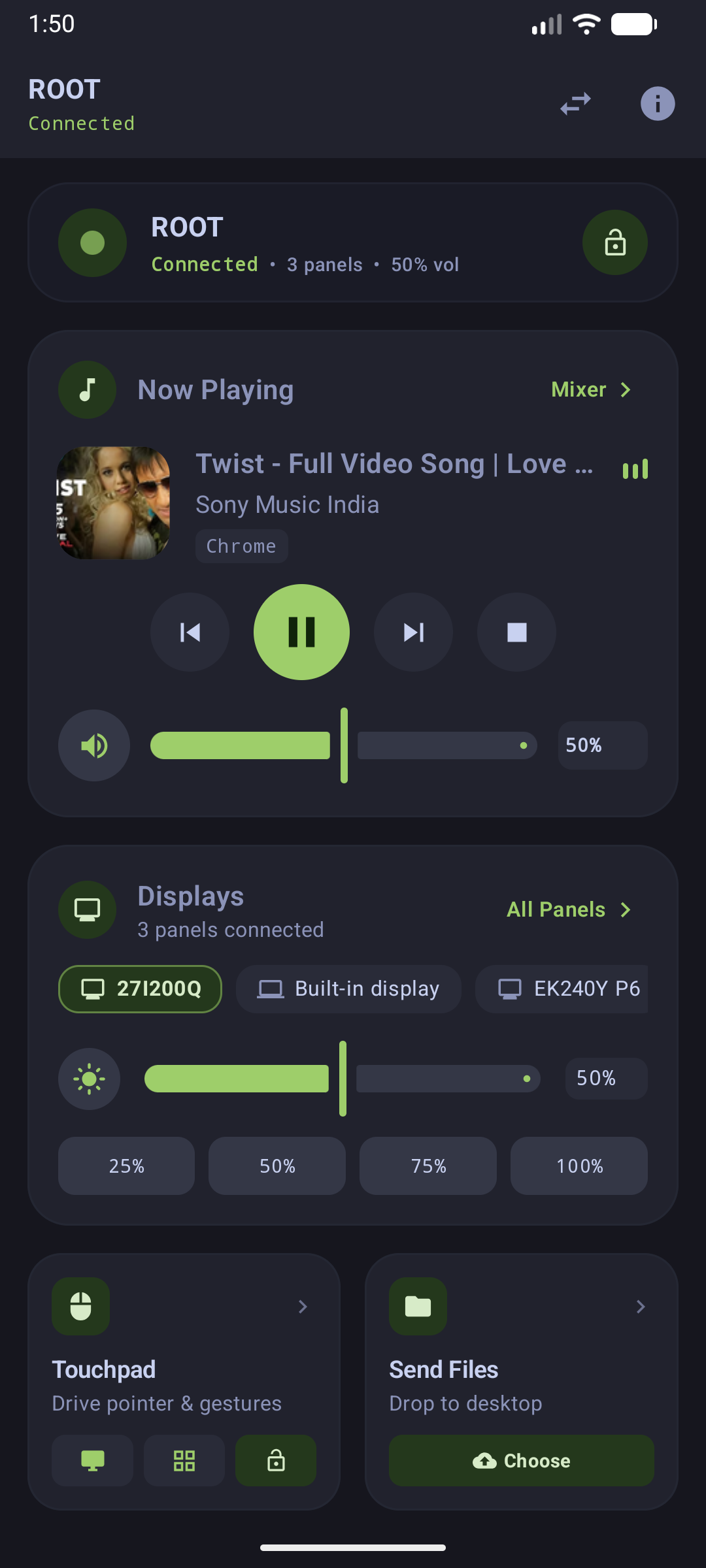
Multi-monitor hardware brightness and contrast control. Communicates directly with physical monitors via DXVA2 VESA MCCS and controls laptop displays via WMI.
 WASAPI & SMTC
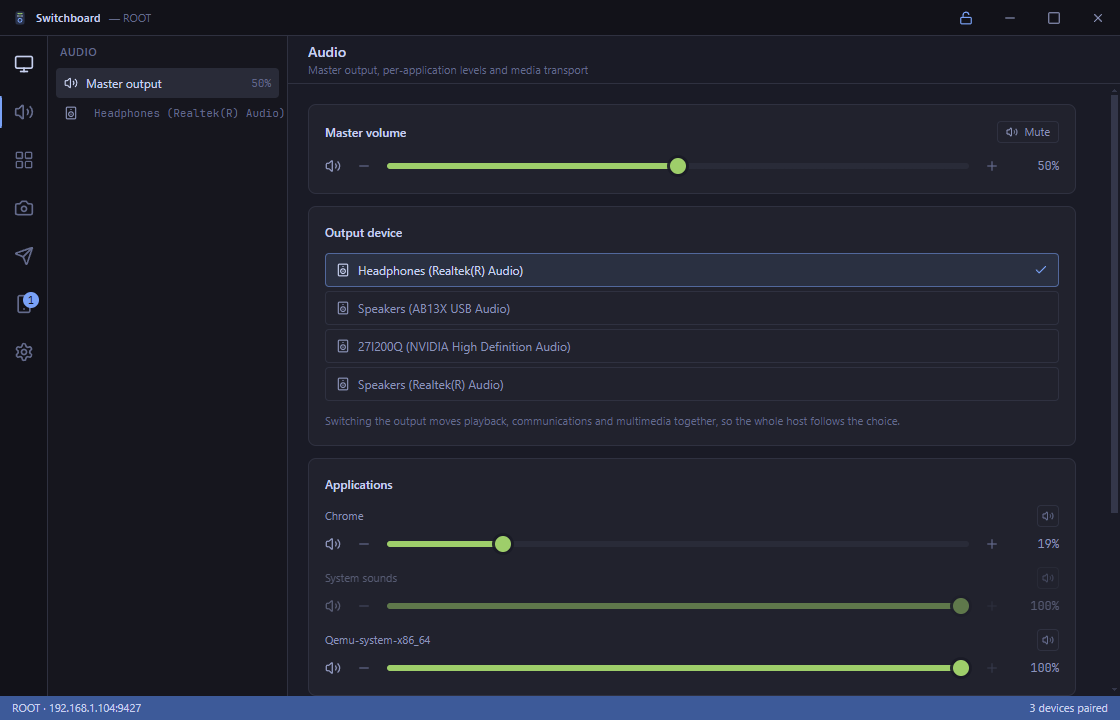
Windows Core Audio Mixer & Media
Independent per-application audio session mixer and master volume control. Live SMTC transport sync with album artwork, playback toggle, and track seek.
 X25519 + AES-256-GCM
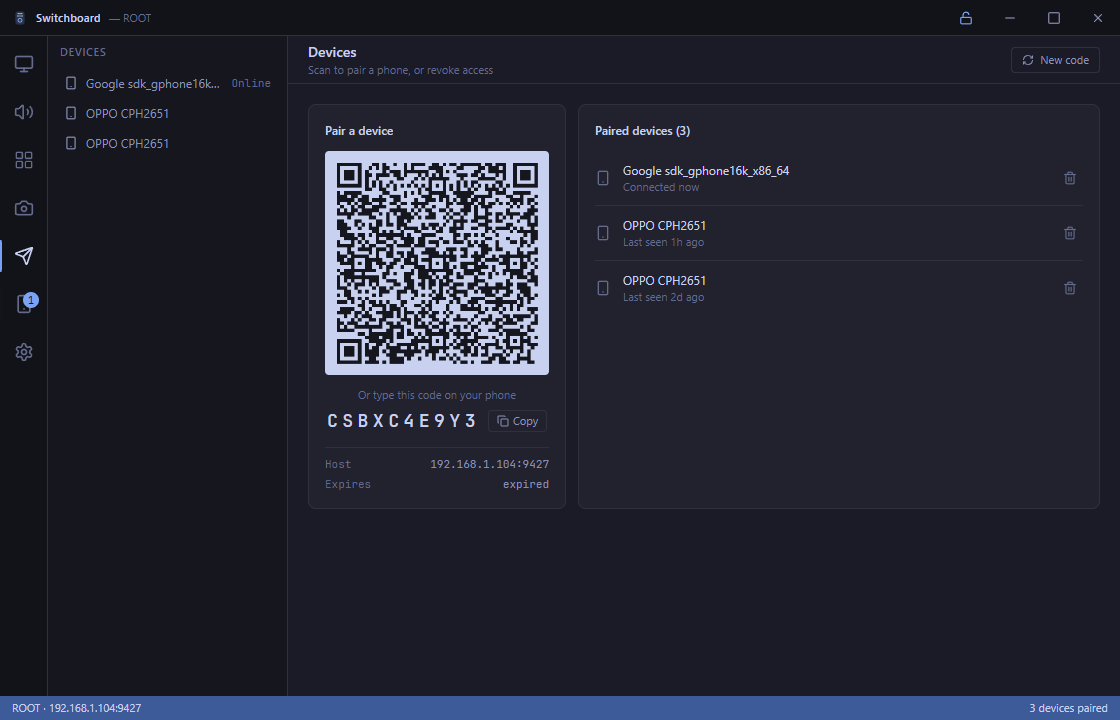
Zero-Trust E2EE Pairing
Zero-password ephemeral key exchange generated via QR code. All local network packets are authenticated and encrypted with hardware-accelerated AEAD ciphers.
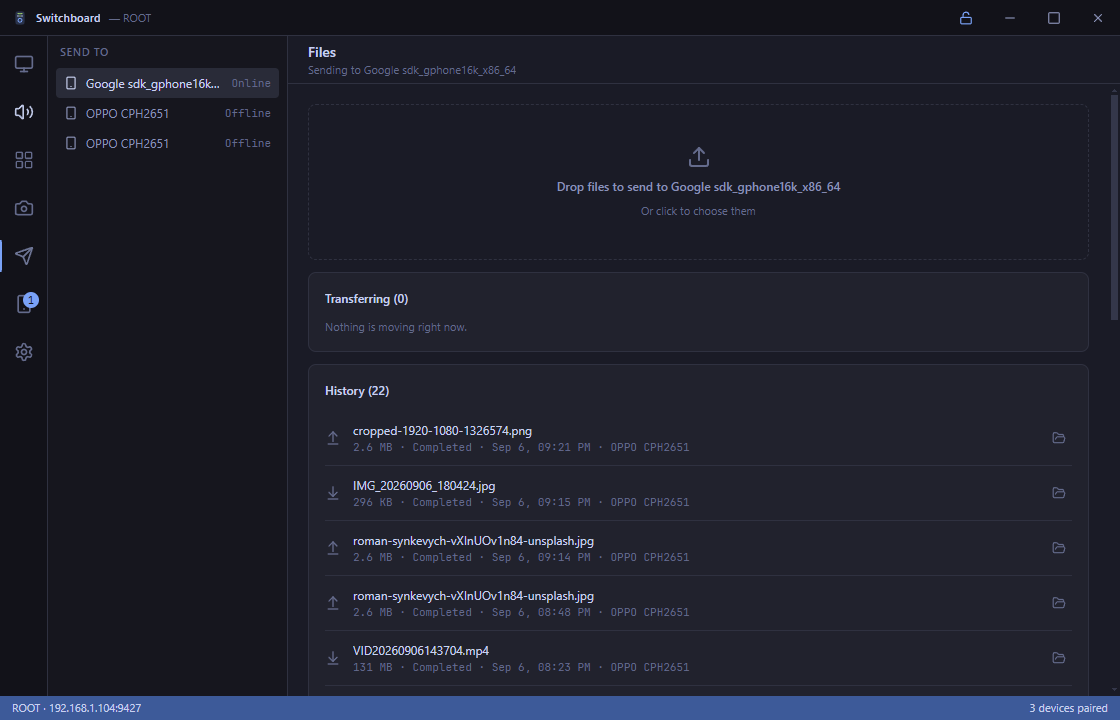 Chunked Streaming
Encrypted P2P File Transfer
Fast, zero-cloud peer-to-peer file transfer between mobile and computer. Integrated with Android Storage Access Framework (SAF) and SHA-256 integrity validation.
 Low-Latency Input
Air Mouse & Remote Touchpad
Sub-millisecond pointer precision with customizable acceleration curves, multi-finger gestures, scroll wheel emulation, and Windows SendInput injection.
8-Key Macro BoardSwitchboard Deck Console
Full hardware console emulation in landscape mode inspired by the Stream Deck Neo. Dynamic LCD infobar, pagination, tactile haptics, and custom action routing.
Installation & Setup
Get Started with Switchboard
Download packaged release binaries for Windows (Desktop Host + Daemon) and Android APK. Zero compilation required.
# Download installer or binary from GitHub Releases:
https://github.com/aiyu-ayaan/Switchboard/releases# Or install directly via ADB:
adb install -r switchboard-app.apkSystem architecture, API protocols, and hardware subsystems
Engineered for instant responsiveness, privacy-first zero-cloud transmission, and physical hardware control.