Switchboard Features Showcase
Explore the comprehensive suite of hardware controls, audio session management, low-latency remote input, and zero-knowledge encryption engineered into Switchboard.
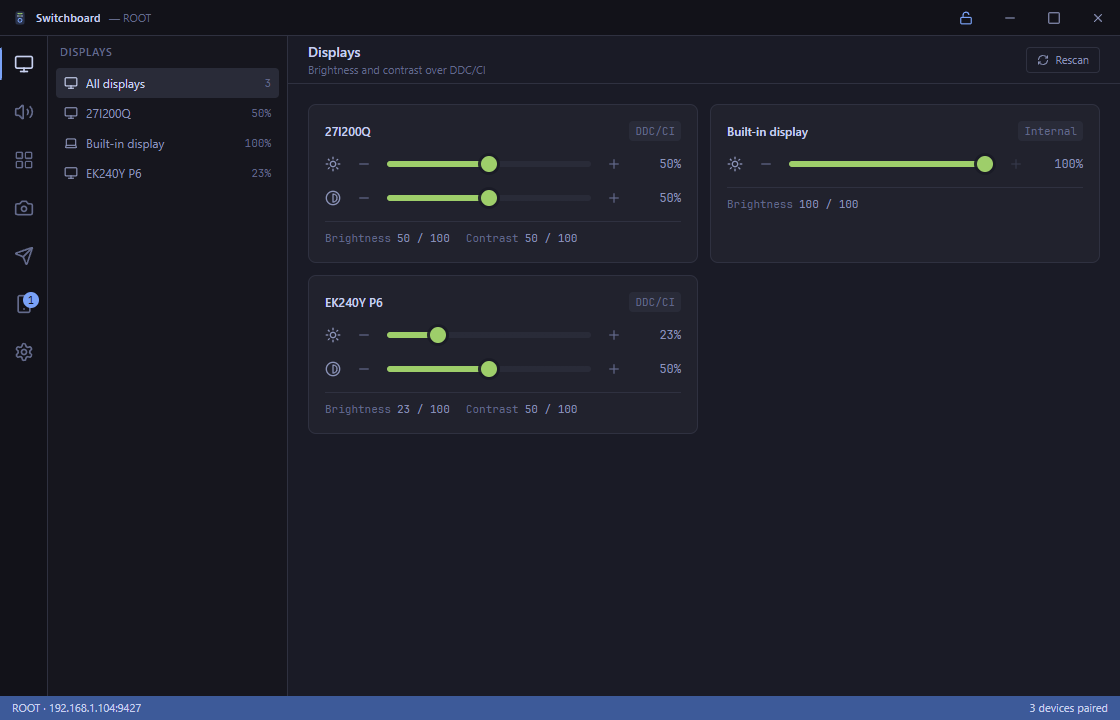
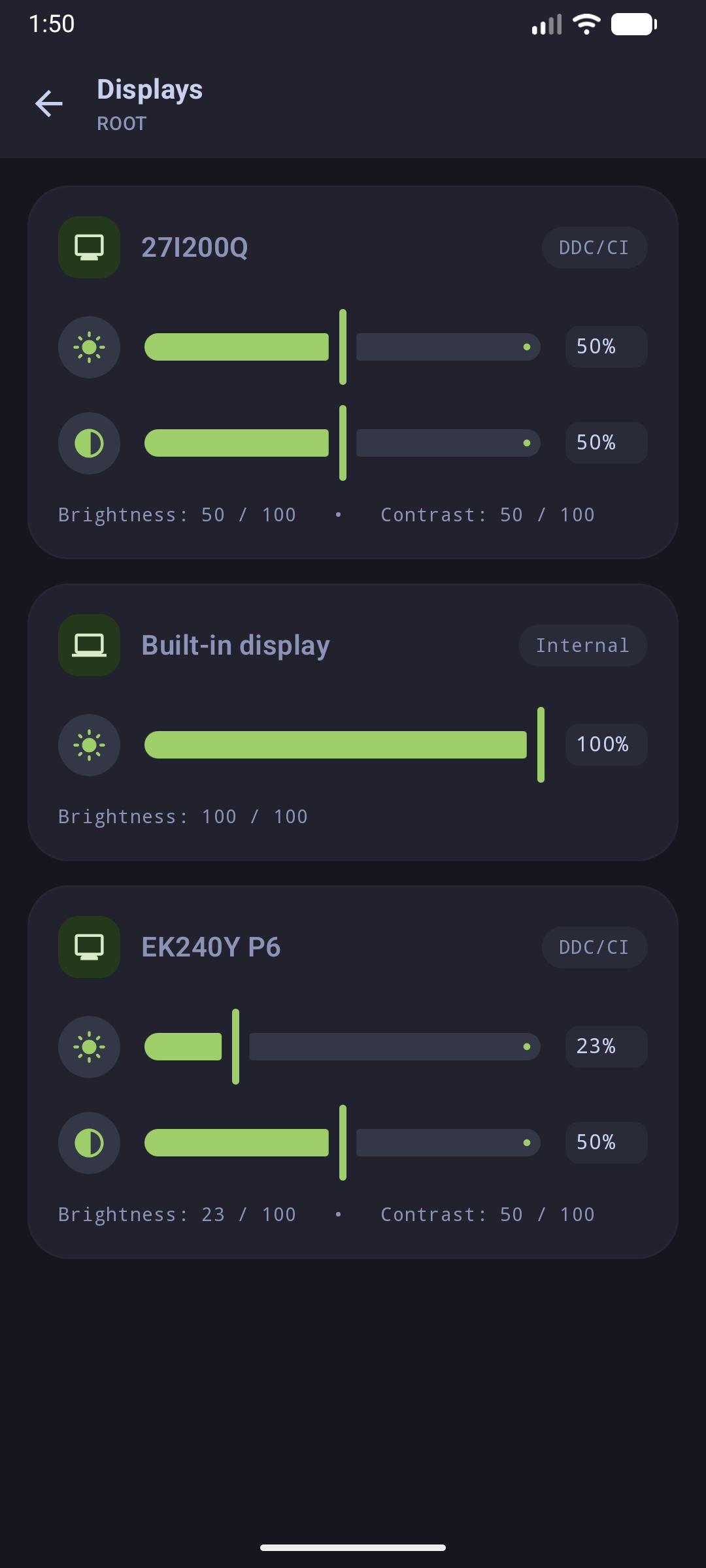
1. Multi-Monitor Displays & Hardware DDC/CI Controls
Switchboard communicates directly with your monitors' internal controllers using VESA Monitor Control Command Set (MCCS) over Display Data Channel Command Interface (DDC/CI via \dxva2.dll), alongside Windows Management Instrumentation (WMI) for internal laptop screens.
Desktop Host View
Mobile Control View
Highlights:
- Independent Hardware Sliders: Adjust physical monitor brightness and contrast directly without GPU software LUT tinting.
- Multi-Monitor Awareness: Automatically detects all connected external HDMI/DisplayPort panels and built-in laptop screens.
- Instant Synchronization: Sliders update in real-time bidirectionally across desktop and mobile.
👉 Learn more in the Displays & DDC/CI Documentation.
2. Windows Core Audio Mixer & Media Transport
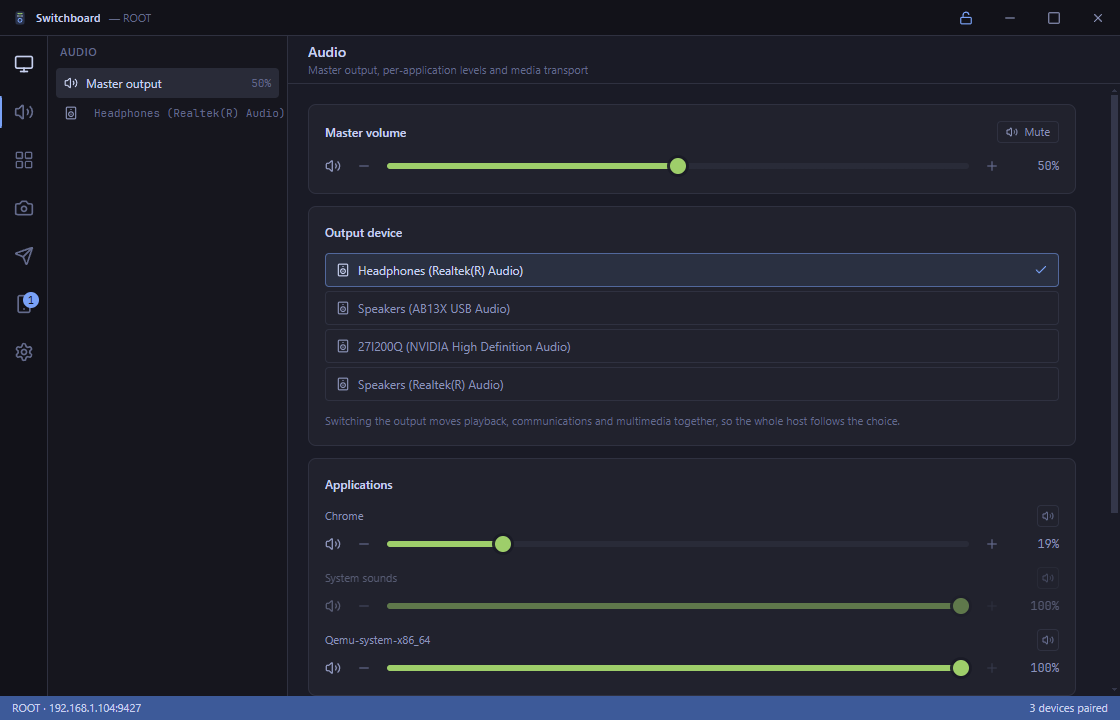
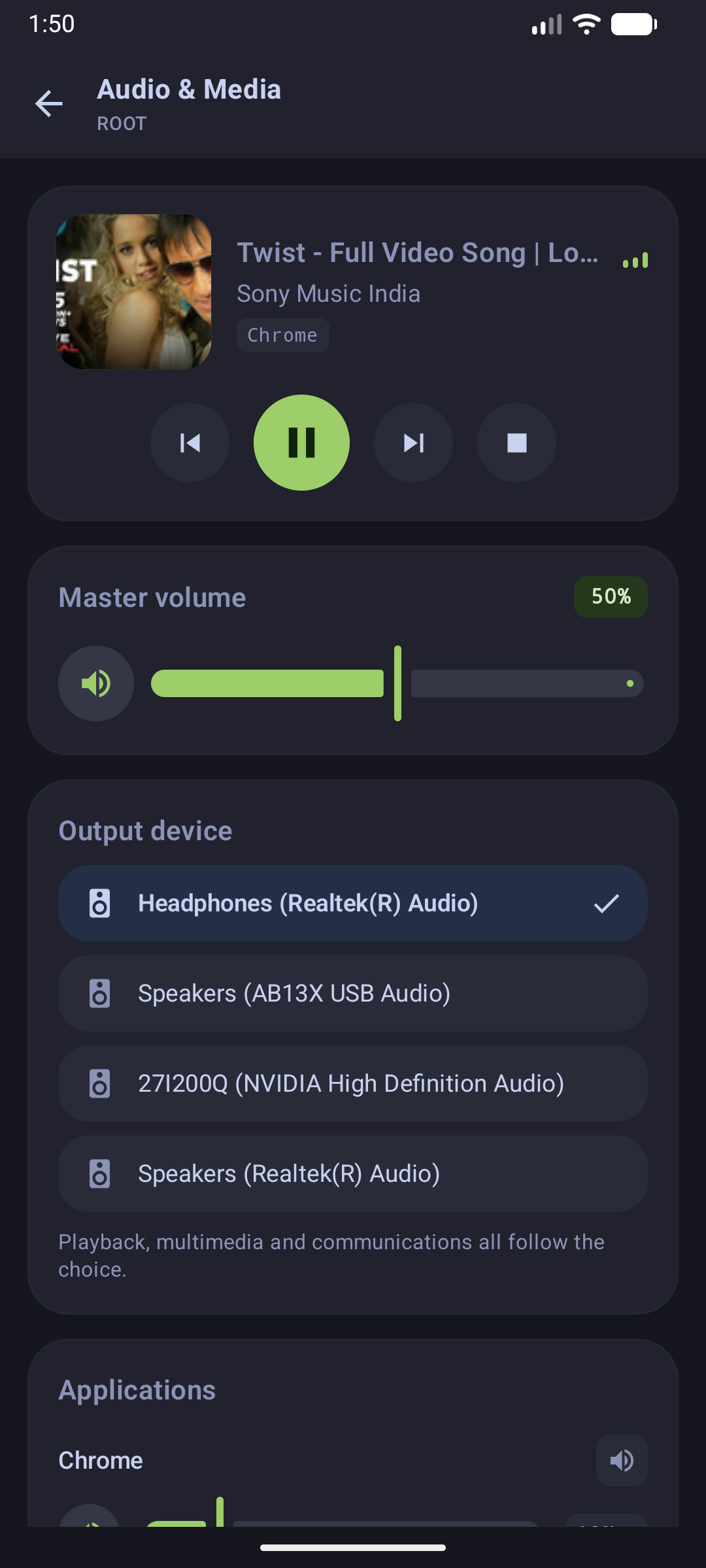
Gain master and per-process audio session control via Windows Core Audio (WASAPI). Control background media playback regardless of which app currently has focus.
Desktop Host Audio
Mobile Mixer & Media
Highlights:
- Per-Application Volume Control: Independently mute or adjust levels for Chrome, Spotify, games, and voice clients.
- SMTC Media Transport: Seamless play, pause, next, previous, and timeline seek support.
- Rich Album Artwork: Extracts high-resolution artwork and metadata directly from the Windows System Media Transport Controls.
👉 Learn more in the Audio Mixer Documentation.
3. Encrypted P2P Wireless File Transfer
Transfer photos, documents, and large archives directly between your Android device and PC over high-speed local Wi-Fi without uploading to any external cloud or third-party servers.
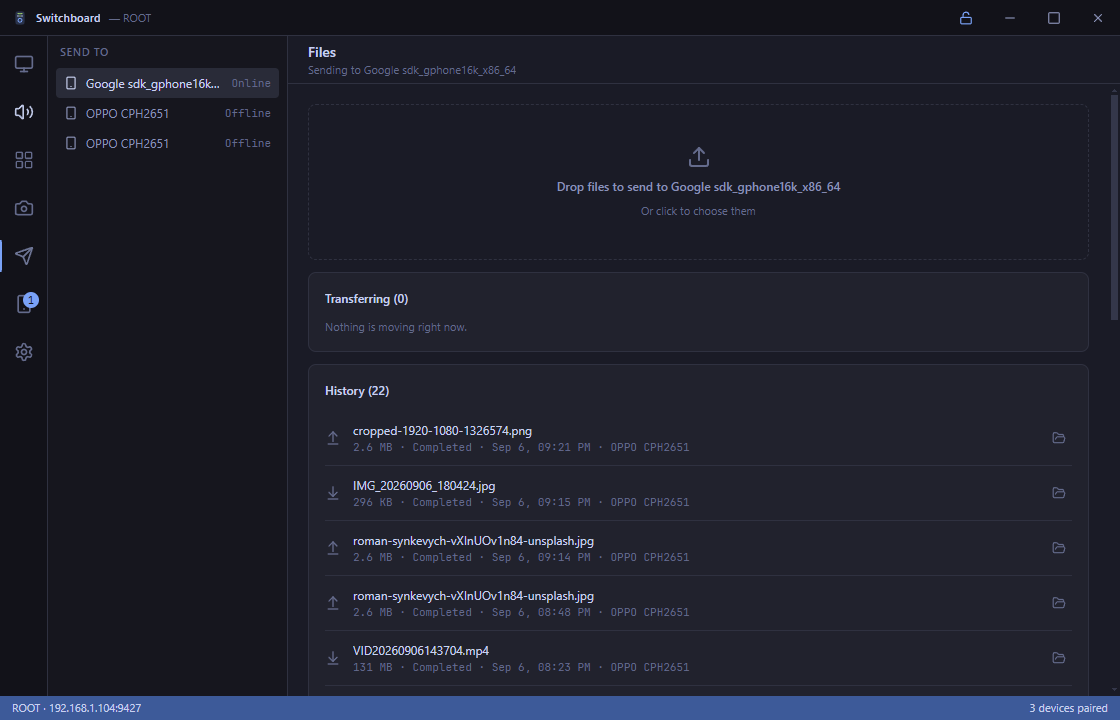
Desktop Transfers
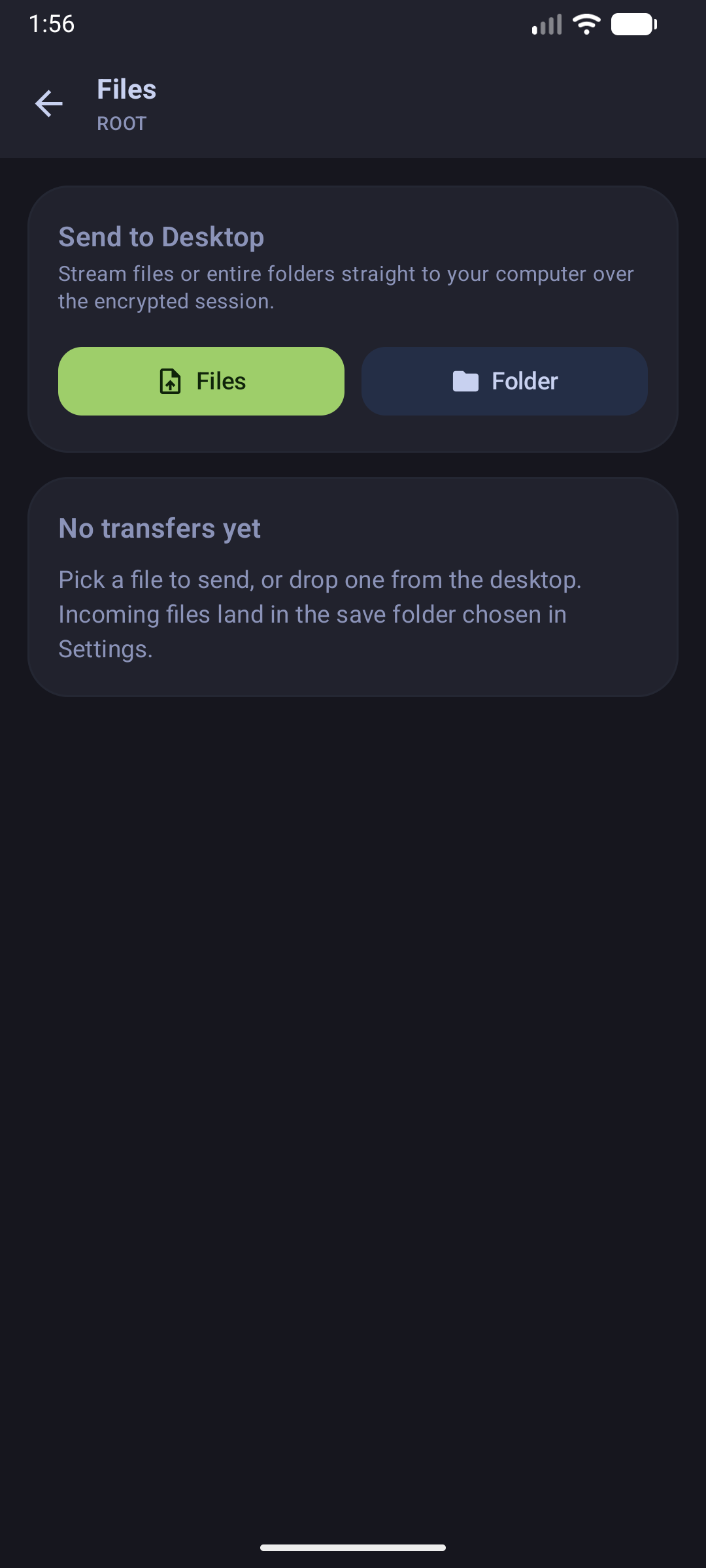
Mobile File Manager
Highlights:
- Drag-and-Drop Desktop Sharing: Drop files into the Switchboard desktop window to send them immediately to your phone.
- Android SAF Integration: Open the native Storage Access Framework file picker or share directly from your gallery via Android Intent.
- Chunked Encrypted Streaming: High-throughput chunk streaming with SHA-256 integrity verification.
👉 Learn more in the File Transfer Documentation.
4. Zero-Trust Security & Instant Device Revocation
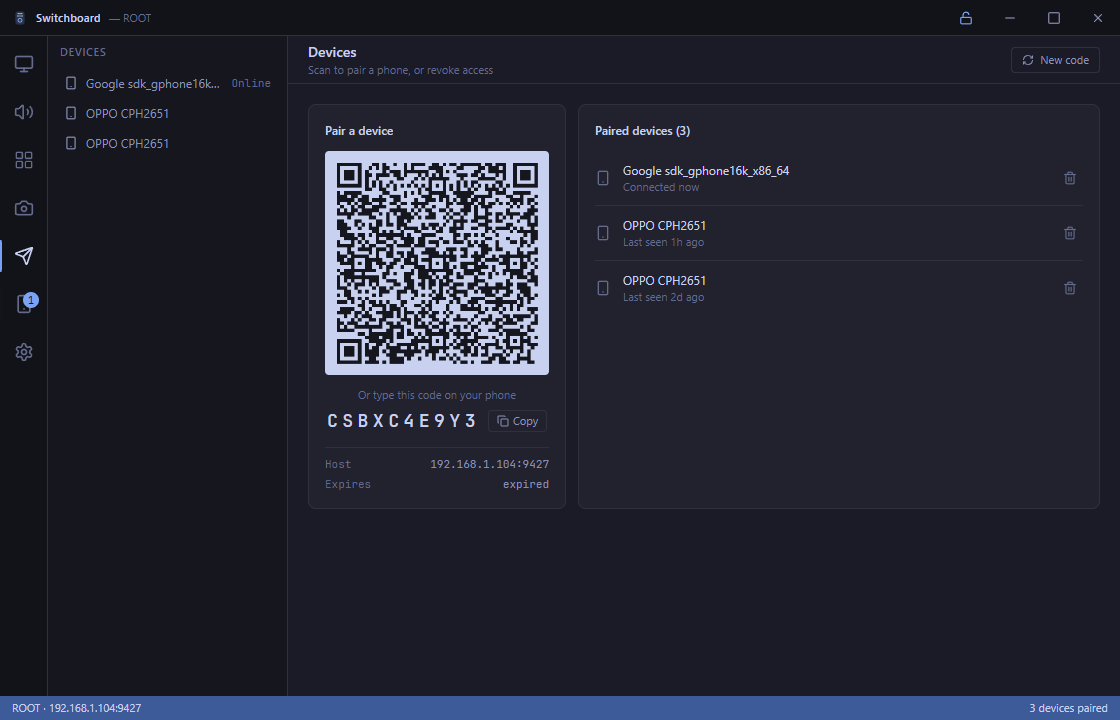
Pairing is established using ephemeral elliptic-curve Diffie-Hellman (X25519) keys generated on-the-fly and rendered in a dynamic QR code. No accounts, emails, or passwords required.
Desktop Paired Devices
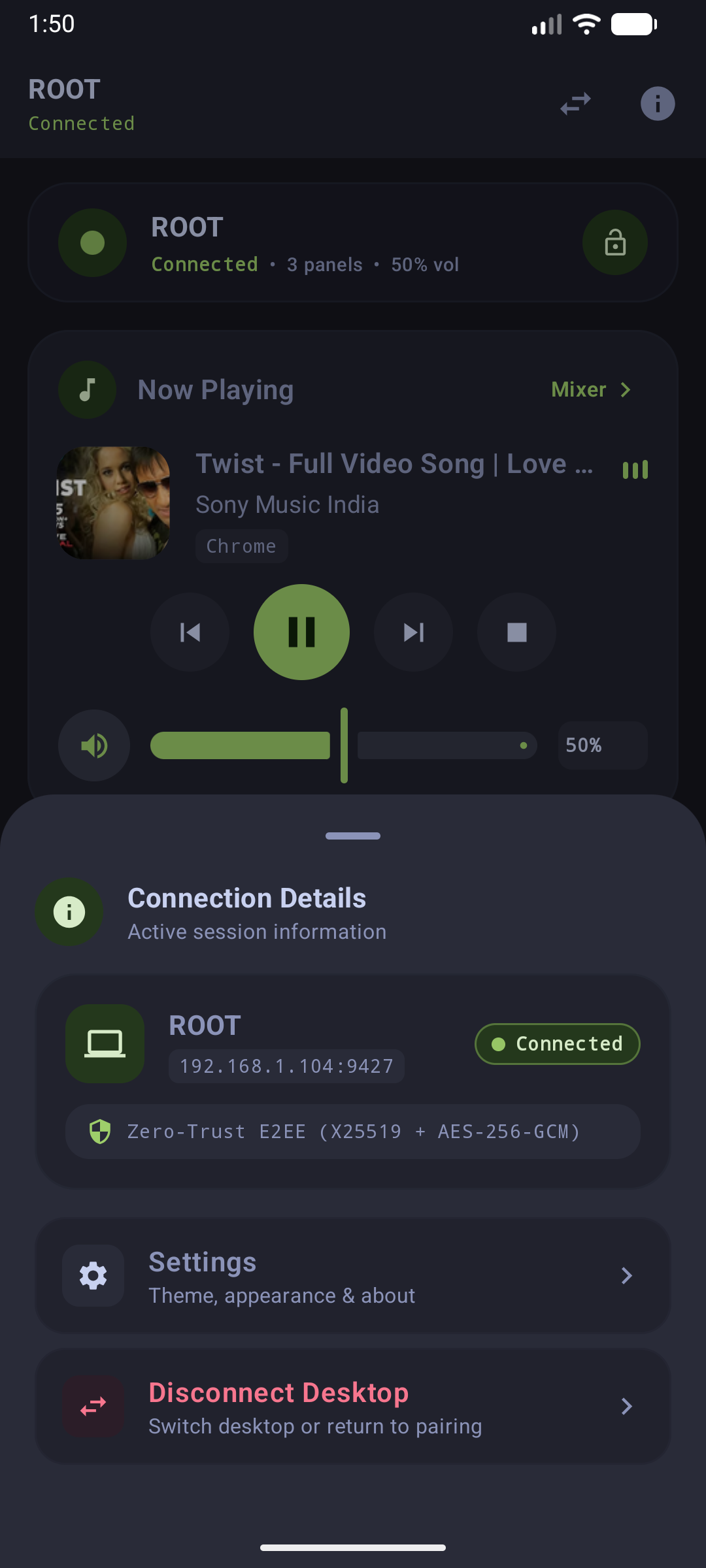
Mobile Connection Details
Highlights:
- Zero-Password Simplicity: Point the mobile camera at the desktop QR code to pair in under two seconds.
- AEAD Packet Encryption: AES-256-GCM / ChaCha20-Poly1305 protects all communication across the local network.
- One-Click Revocation: "Forget System" or revoke device keys from either the desktop or mobile side immediately invalidates session tokens.
👉 Learn more in the Security & Pairing Protocol Documentation.
5. Air Mouse & Remote Touchpad
Turn your smartphone screen into an ultra-low-latency wireless touchpad. With adaptive velocity curves, multi-finger gesture recognition, and Windows \SendInput\ injection, navigation feels snappy and natural.
Highlights:
- Sub-Millisecond Responsiveness: Raw touch points are buffered and dispatched over binary/JSON WebSocket envelopes.
- Multi-Touch Gestures: Two-finger scroll, tap-to-click, and dedicated secondary click zones.
- Configurable Sensitivity: Adjust tracking velocity, pointer acceleration, and scroll speed.
👉 Learn more in the Air Mouse Documentation.
6. Switchboard Deck (Stream Deck Neo Console)
Transform your phone into an 8-key macro deck inspired by the Elgato Stream Deck Neo. Features a dedicated landscape console layout with dynamic LCD infobar, capacitive touch points, and custom script execution.
Highlights:
- 8-Key Tactile Grid: Vibrant icon buttons with real-time state feedback and tactile haptics.
- LCD Infobar & Touch Points: Center status bar with page pagination and contextual system stats.
- Landscape Console Lock: Automatically transitions into a dedicated macro console when your device is rotated horizontally.
👉 Learn more in the Stream Deck Neo Documentation.
7. Configuration & Material You Personalization
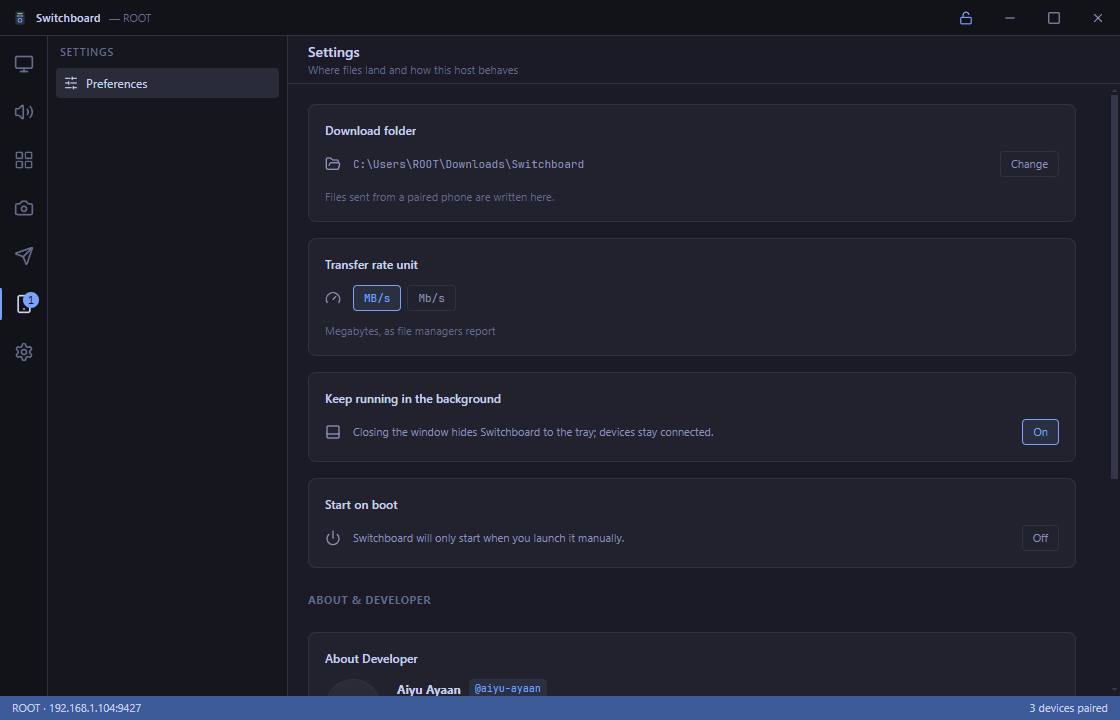
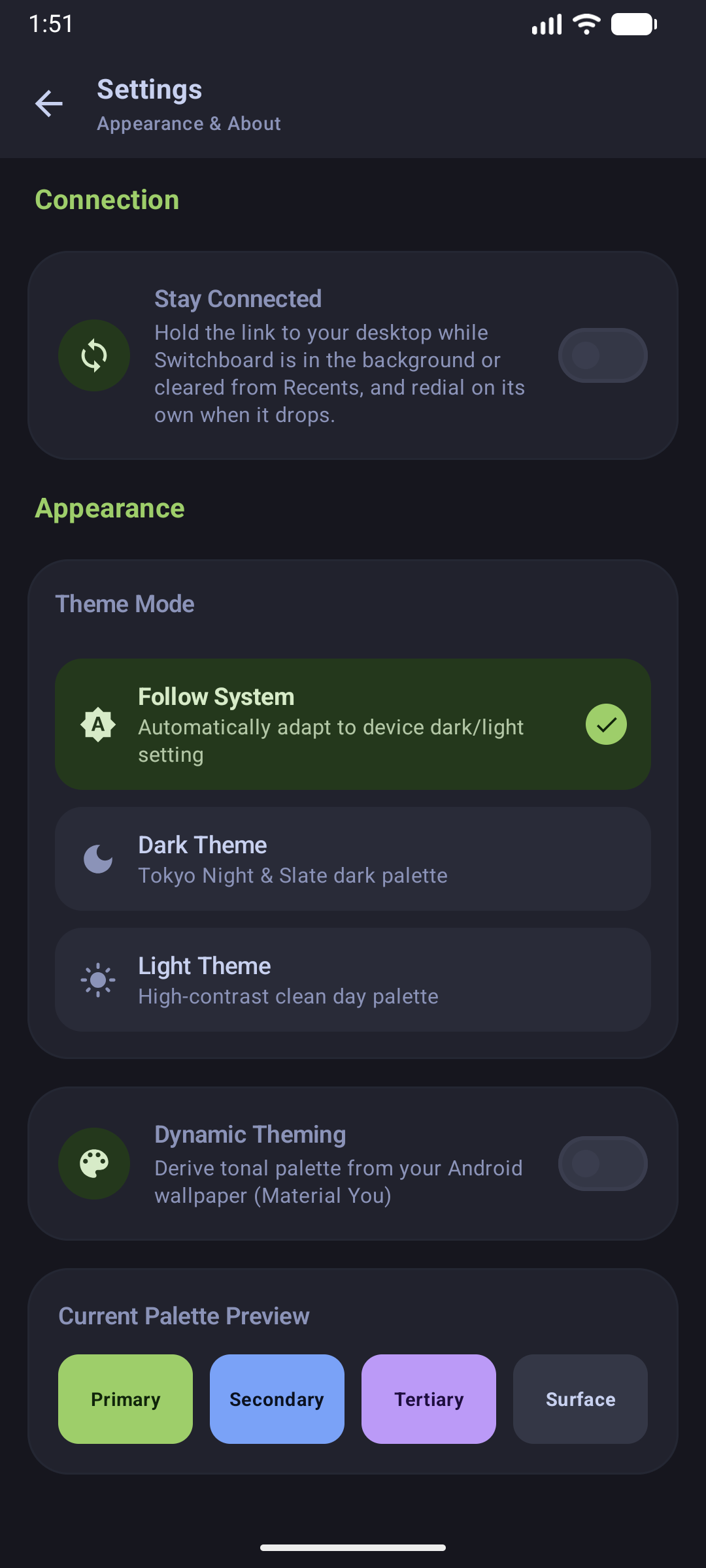
Customize download locations, transfer bandwidth units, system tray minimized behaviors, and UI appearance.
Desktop Settings
Mobile Appearance Settings
Highlights:
- System Tray Operation: Close to tray, minimize on startup, and auto-launch on Windows login.
- Material You Dynamic Theming: Android client dynamically extracts dominant color accents from your device wallpaper.
- Tactile Haptic Feedback: Answer taps, toggles, gestures, and confirmations with nuanced Material 3 vibrations, configurable and toggleable directly in settings.
- Flexible Rate Units: Switch transfer metrics seamlessly between MB/s, Mbps, or MiB/s.
8. Power & Session State Deck
Manage workstation power, display standby, and session lifecycle directly from your mobile device.
Highlights:
- Per-Display Standby & Wake: Sleep or wake individual external monitors via DDC/CI VCP
0xD6without disturbing your other screens, or toggle internal laptop backlights. - Instant Screen Off: Broadcasts
SC_MONITORPOWERto immediately sleep all connected monitors. - System Sleep (ACPI): Puts your computer into low-power sleep mode safely via
PowrProf.dll. - Scheduled Sleep Timer: Configure 15-minute, 30-minute, or 60-minute shutdown countdowns (or abort any active countdown) directly from bed or your couch.
- Workstation Lock: Secure the console session on demand via
user32!LockWorkStation.
9. Microphone & Recording Device Management
Complete audio input control directly complementing the WASAPI playback mixer.
Highlights:
- Dedicated Microphone Gain: Remote slider adjusting master recording level via Core Audio.
- Tactile "Cough Button": Global hardware mute toggle with prominent visual state and haptic feedback, functioning across all active meeting and game apps.
- Input Endpoint Selector: Switch the default microphone between desktop, headset, or USB microphones using
IPolicyConfig.
10. Remote Text Input & Universal Clipboard
Turn your mobile device into a versatile remote keyboard and clipboard bridge.
Highlights:
- Unicode Remote Typing: Type text, passwords, and emojis into your PC using your native mobile keyboard or voice-to-text.
- Universal Clipboard Sync: One-tap "Send Clipboard" pushes Android clipboard contents directly into the Windows clipboard via Win32
CF_UNICODETEXT.